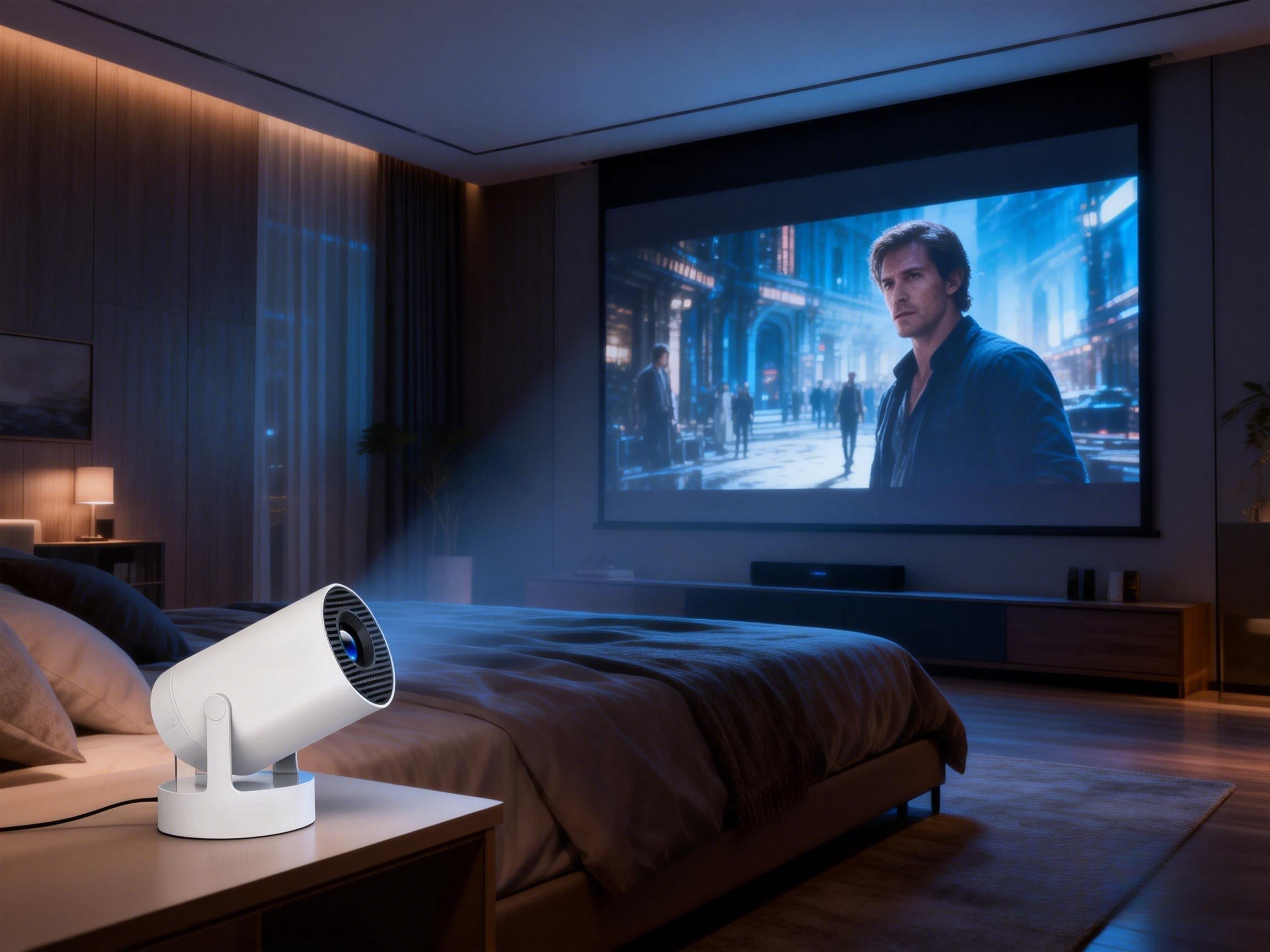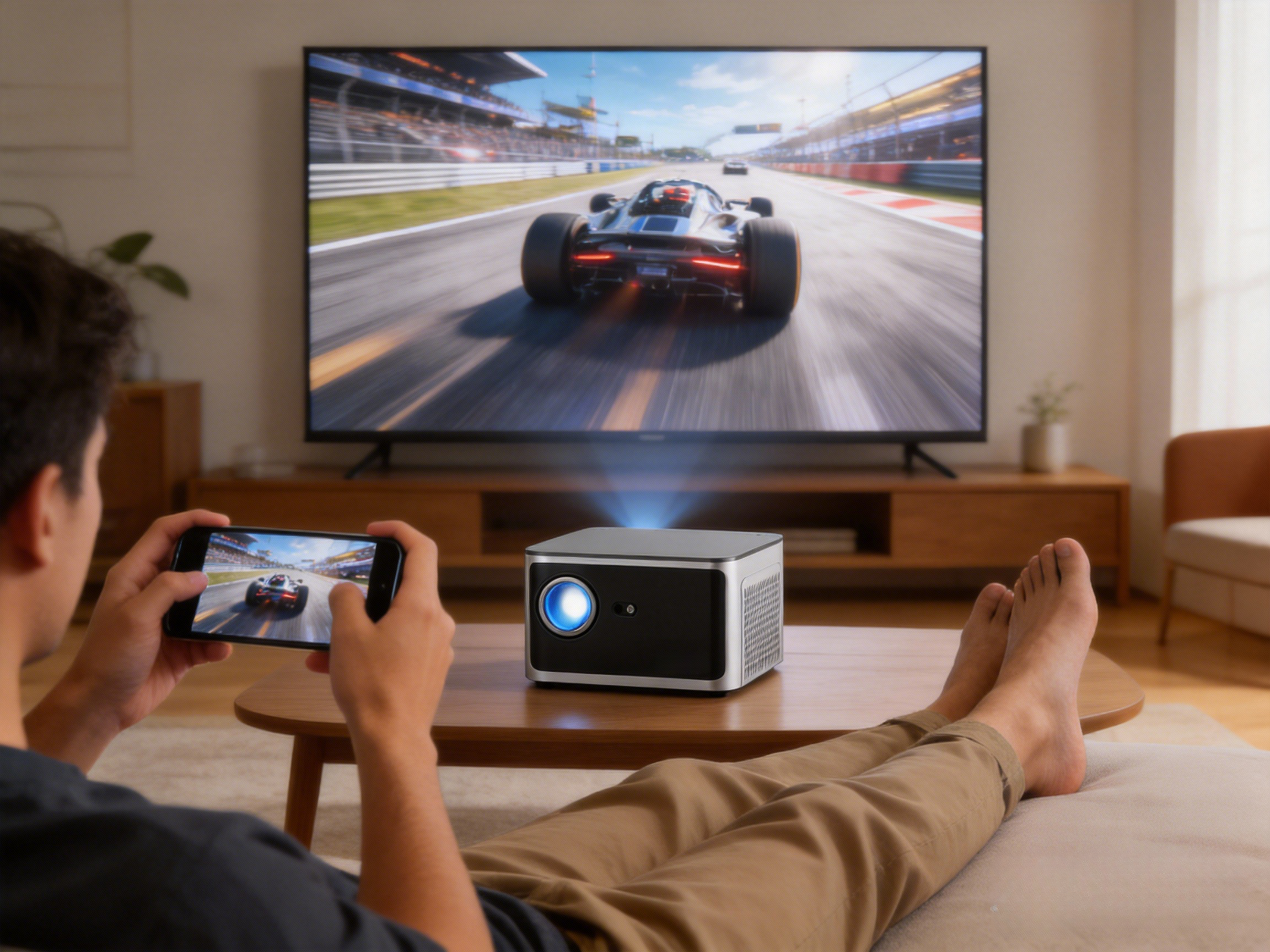

With the growing popularity of smart projectors, WiFi performance has become a key factor affecting overall user experience. When shopping for a projector, many users notice specifications such as “WiFi 5 supported” or “WiFi 6 supported,” but the real-world differences between them are often not immediately clear.
So the question is:
Is WiFi 6 really useful for projectors? Is WiFi 5 already good enough? When watching Netflix or YouTube, using wireless screen casting, or doing light gaming, is the difference noticeable?
This article explains the real differences between WiFi 5 and WiFi 6 in projector use, based on practical scenarios, to help you make an informed decision.
One-Sentence Conclusion
WiFi 6 does not significantly increase a projector’s image quality, but it does greatly improve connection stability, reduce latency, and deliver smoother performance in multi-device network environments. If you frequently use wireless casting, online streaming, or have many connected devices at home, WiFi 6 is the better choice.
What Are WiFi 5 and WiFi 6?
WiFi 5 (802.11ac) Overview
WiFi 5 is still a very common wireless standard today, with the following characteristics:
· Operates mainly on the 5GHz band
· Theoretical maximum speed of up to 3.5 Gbps
· Capable of stable 1080P and 4K streaming
· Mature technology with broad compatibility
At present, many home routers and smart projectors still rely on WiFi 5, which is sufficient for most basic viewing scenarios.
WiFi 6 (802.11ax) Overview
WiFi 6 is a newer wireless standard. Its core improvements are not just about higher speed, but about better efficiency and stability:
· Supports both 2.4GHz and 5GHz
· Higher capacity for handling multiple devices simultaneously
· Lower latency
· Stronger resistance to interference
· Better power efficiency (especially beneficial for mobile devices)
WiFi 6 is designed to maintain stable connections in environments with many devices and complex network conditions.
Is WiFi Really Important for Projectors?
Many people assume, “A projector is just for watching videos, so WiFi speed doesn’t really matter.”
In reality, WiFi directly affects the following aspects:
· Whether online videos buffer frequently
· Delay during wireless screen casting
· Video stuttering or audio-video desynchronization
· How often the system disconnects
· Performance when multiple devices are connected at the same time
This is especially true for smart projectors with built-in Android or Google TV, which rely heavily on stable WiFi connections.
Key Differences Between WiFi 5 and WiFi 6 in Projectors
1. Video Streaming Experience: Similar Quality, Different Stability
|
Usage Scenario |
WiFi 5 |
WiFi 6 |
|
1080P streaming |
Stable |
Stable |
|
4K streaming |
Generally stable |
More stable |
|
Network fluctuations |
More buffering |
Less buffering |
Conclusion:
For solo online viewing, WiFi 5 is usually sufficient. However, in unstable networks or homes with many connected devices, WiFi 6 offers noticeably better stability.
2. Wireless Screen Casting Experience (Biggest Difference)
Wireless casting is where WiFi 6 brings the most noticeable improvement for projectors.
Common WiFi 5 issues:
· Visible delay
· Audio and video out of sync
· Occasional stuttering or dropped frames
WiFi 6 advantages:
· Lower latency
· Smoother screen casting
· Phone mirroring, presentations, and video playback feel closer to a wired connection
If you frequently use a projector for phone casting, computer presentations, meetings, or teaching, the benefits of WiFi 6 become much more apparent.
3. Performance in Multi-Device Home Environments
A modern household often has many devices connected at the same time, such as smartphones, tablets, laptops, TVs, smart speakers, and security cameras.
Limitations of WiFi 5:
· Projectors may receive lower priority when many devices are active
· Bandwidth is more easily contested
Key WiFi 6 technologies:
· OFDMA: Allows multiple devices to transmit data more efficiently at the same time
· Enhanced MU-MIMO: Reduces waiting time between devices
Result:
When “everyone in the house is online,” WiFi 6 projectors tend to remain more stable.
4. Latency and Gaming Experience
If you use a projector for:
· Cloud gaming platforms
· Game streaming
· Applications that require fast visual response
WiFi 6’s lower latency offers an advantage. However, keep in mind that the projector’s own input lag is also crucial—WiFi is not the only determining factor.
Does WiFi 6 Make the Image Look Sharper?
This is a common misconception.
❌ WiFi 6 does not improve a projector’s physical image quality
✔️ It simply enables more stable transmission of high-quality video signals.
Actual image quality is determined by:
· Projection chip
· Brightness (ANSI lumens)
· Native resolution
· Lens and optical quality
Do You Also Need a WiFi 6 Router?
Yes.To fully benefit from WiFi 6, you need:
· A projector that supports WiFi 6
· A router that also supports WiFi 6
If your router only supports WiFi 5, a WiFi 6 projector will still work normally, but performance will be limited to WiFi 5 levels.
Which One Should You Choose?
WiFi 5 Is Enough If You:
· Mainly watch online videos
· Have relatively few connected devices
· Use an older router
· Prioritize value for money
WiFi 6 Is Recommended If You:
· Frequently use wireless screen casting
· Have many smart devices at home
· Care about smoother overall performance
· Plan to keep the projector for several years
Frequently Asked Questions (FAQ)
Q1: Does WiFi 6 consume more power?
No. Thanks to improved scheduling, WiFi 6 can actually be more power-efficient in many scenarios.
Q2: Does WiFi 6 help with Netflix or YouTube?
It helps more during busy network conditions by reducing buffering, but it does not change the maximum streaming resolution.
Summary: WiFi 6 Is an Experience Upgrade, Not a Picture Quality Revolution
In short:WiFi 5 determines whether you can watch content at all, while WiFi 6 determines how smoothly you can watch it.
If your budget allows, a WiFi 6 projector offers better future-proofing. However, if the price difference is significant, WiFi 5 remains a reliable and practical choice.
Recommended Product: Magcubic X7
· Magcubic X7 runs on Android 14 with the Allwinner H726 chipset, offering smooth performance and solid long-term app compatibility.
· WiFi 6 and Bluetooth 5.4 help reduce latency and interference for wireless casting and audio, while the built-in 5W speaker is sufficient for everyday viewing.
· It features 1080P native resolution, 1000 ANSI lumens brightness, and 8K video decoding support, suitable for streaming, light gaming, and basic presentations.
· Auto focus and fully automatic keystone correction make setup quick and easy in both permanent and temporary spaces.