
With the rise of home theaters and office entertainment setups, projectors have become essential devices for many households and small offices. However, Reddit users have shared real experiences showing that even small details—from blurry images to fan noise—can significantly affect the viewing experience. This article summarizes the most common projector problems and provides practical tips and illustrative guides to help you optimize your projector setup and avoid common pitfalls.
Blurry Projector Images? Solutions and Optimization Tips
Common Issue:
Many users find that projected images are not as sharp as advertised. Even when a projector is labeled 1080P or 4K, images can appear blurry, pixelated, or have reduced sharpness at the corners—especially in budget models. For home theater enthusiasts, this can significantly impact the viewing experience.
Reddit User Quote:
“Even though it says 1080P, the corners are always a bit blurry. Works fine in a dark room though.” — u/projectorfan22
Solutions & Tips:
· Choose a native 1080P or 4K projector to ensure detailed images, especially in low-light environments.
· Control ambient light: Use a dark room, blackout curtains, or an ALR projection screen to improve contrast and detail.
· Adjust projection distance and angle to avoid pixel stretching on oversized screens.
Unstable Auto-Focus? Projector Focus Optimization Guide
Common Issue:
Some projectors have unstable auto-focus, especially after prolonged use or when the device heats up. The focus may drift, requiring frequent manual adjustments, which can disrupt movie or gaming experiences.
Reddit User Quote:
“Auto-focus kept hunting on my HY320, had to adjust manually every time.” — u/hometheaterjunkie
Solutions & Tips:
· Manually fine-tune the focus during first use and check clarity each time you power on.
· Avoid using the projector for long periods in high-temperature environments, which can trigger frequent auto-focus recalibration.
· Use the keystone correction feature to adjust the image shape and maintain edge clarity.
Loud Fan Noise? Projector Cooling Optimization
Common Issue:
Many users report that projector fan noise can be distracting, especially during quiet scenes. Overheating may also lead to performance throttling or flickering, affecting overall stability and viewing comfort.
Reddit User Quote:
“The fan on my portable projector is louder than I expected, especially in quiet scenes.” — u/cinephile123
Solutions & Tips:
· Place the projector in a well-ventilated area, keeping air vents unobstructed.
· Use high-brightness mode intermittently instead of continuous full-power operation.
· Choose models with quiet fans or low-noise modes to enhance viewing comfort.
Low Brightness? Environmental and Model Selection Tips
Common Issue:
In bright rooms or during daytime, projected images can appear dim, colors may look washed out, and details may be hard to see. This can be frustrating for home theater enthusiasts or office users.
Reddit User Quote:
“During daytime, I can barely see the picture unless I darken the room.” — u/lightroomaddict
Solutions & Tips:
· Choose a projector with high brightness, ideally 650 ANSI lumens or higher, to ensure clear images even in moderately lit environments.
· Use blackout curtains or an ALR screen to reduce ambient light interference.
· Position the projector away from direct light sources to improve contrast and viewing comfort.
System Compatibility Issues? Streaming and Connection Solutions
Common Issue:
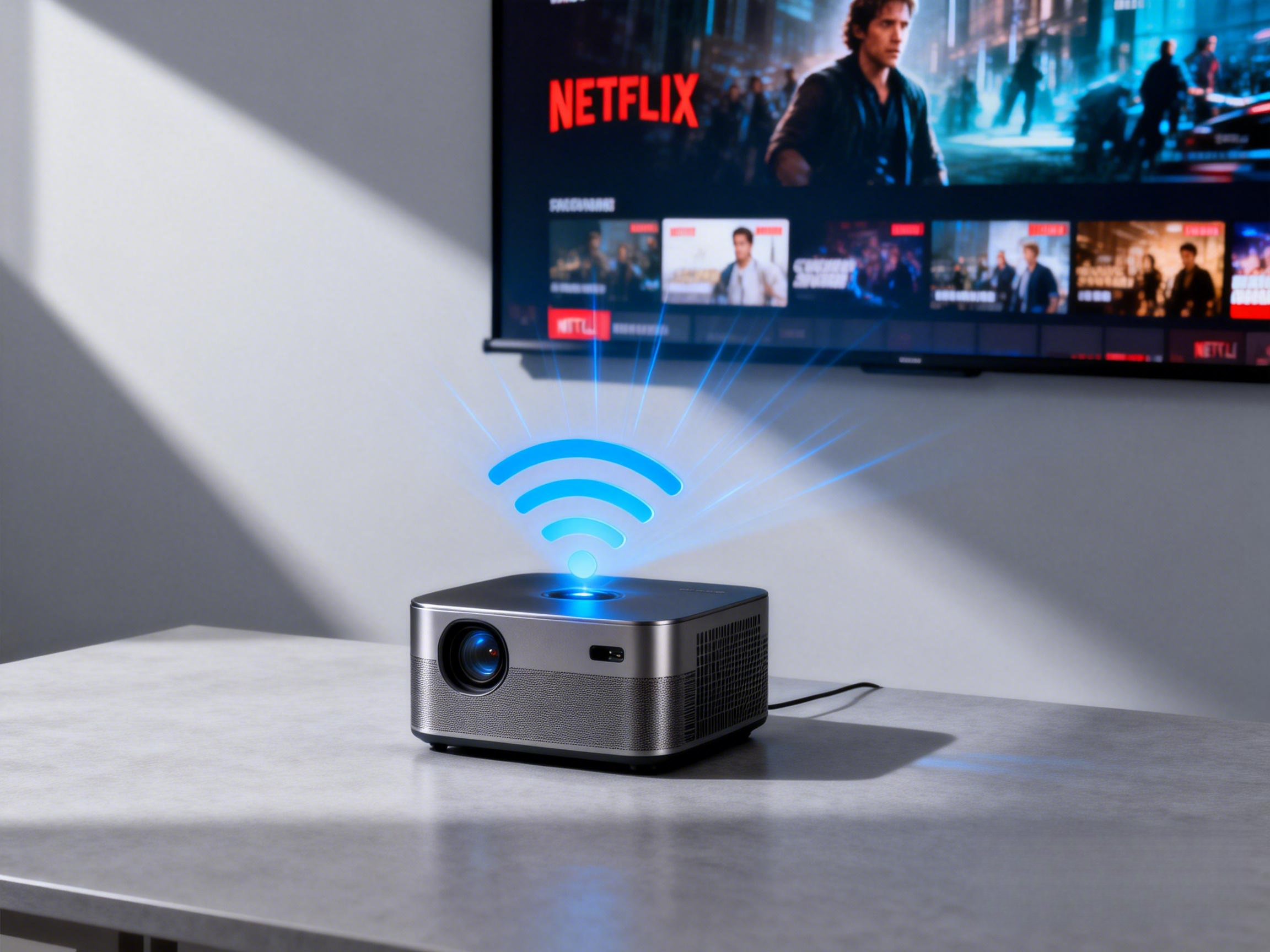
Users often face unstable HDMI, AirPlay, or streaming app performance, and some apps may not work at all. This is particularly frustrating for those relying on Netflix, YouTube, or Prime Video.
Reddit User Quote:
“Netflix won’t run on my budget projector, had to use a Fire Stick instead.” — u/streamingnerd
Solutions & Tips:
· Choose officially certified Android projectors to ensure support for Google Play and major streaming apps.
· Connect external devices like Fire Stick or Chromecast to resolve most compatibility issues.
· Optimize your Wi-Fi network to reduce lag or disconnections during wireless casting.
Mediocre Built-In Speakers? Audio Enhancement Tips
Common Issue:
Built-in speakers often lack bass and volume, leading to subpar sound quality for movies or games.
Reddit User Quote:
“The built-in speaker is ok for casual viewing, but I hooked up a Bluetooth speaker for movies.” — u/audioenthusiast
Solutions & Tips:
· Connect external Bluetooth or wired speakers to improve audio quality.
· Choose projectors with 5W or higher built-in speakers for fuller sound.
· Adjust audio settings to enhance bass and balance volume levels.
Projector Durability and Lifespan Optimization
Common Issue:
Over time, some projectors may experience brightness degradation, color spots, or hardware failures. This is especially common in budget models.
Reddit User Quote:
“After 2 years, my projector’s image is dimmer, but regular cleaning helps.” — u/homecinemaowner
Solutions & Tips:
· Clean air vents regularly and ensure proper ventilation to extend lamp life.
· Avoid continuous high-brightness mode to reduce lamp aging.
Conclusion
From Reddit users’ real experiences, the most common projector issues include blurry images, unstable auto-focus, loud fan noise, low brightness, system compatibility problems, and durability concerns.
By choosing the right model, optimizing ambient light, connecting devices properly, and performing regular maintenance, most of these issues can be effectively mitigated.
For home theater and office projectors, models like Magcubic X7 or HY350 series are highly recommended by Reddit users for their clear image quality, low fan noise, and stable system performance—offering a balance between budget and performance.
FAQ: Quick Answers to Common Projector Questions
Q1: My projector image is blurry. What should I do?
A1: Choose a native 1080P or 4K projector, control ambient light, and adjust projection distance and angle.
Q2: How can I reduce projector fan noise?
A2: Place the projector in a well-ventilated area and use low-noise or silent fan models.
Q3: How do I extend my projector’s lifespan?
A3: Ensure proper ventilation, avoid prolonged high-brightness use, and clean dust regularly.