
The bedroom is one of the most relaxing spaces in our home. Imagine lying comfortably in bed, closing the curtains, and enjoying a high-definition movie on a huge screen. The entire room feels like a private cinema.
This kind of mini home theater experience is something a TV simply can’t fully replace — and that’s why projectors are becoming the ideal choice for bedroom entertainment.
When choosing a bedroom projector, price and design matter, but brightness, resolution, throw distance, and audio quality are even more important. In this guide, we’ll walk you through buying tips, practical setup advice, and usage recommendations to help you create the perfect bedroom cinema experience.
1. Why Choose a Projector for Your Bedroom?
Compared with TVs, projectors offer several clear advantages in small spaces like bedrooms:
• Bigger Screen Experience
Even in a compact room, you can easily project an 80–100 inch screen for a truly immersive, theater-like feel.
• Space Saving
No need for bulky TV stands or wall mounts. Short-throw projectors can simply sit on a desk or at the foot of your bed.
• Portable & Flexible
Compact projectors are lightweight and easy to move, making them perfect for both indoor and occasional outdoor movie nights.
• More Immersive Visuals
Bedrooms are naturally darker environments, which enhances contrast and color performance for richer image quality.
• Smart System & Wireless Casting
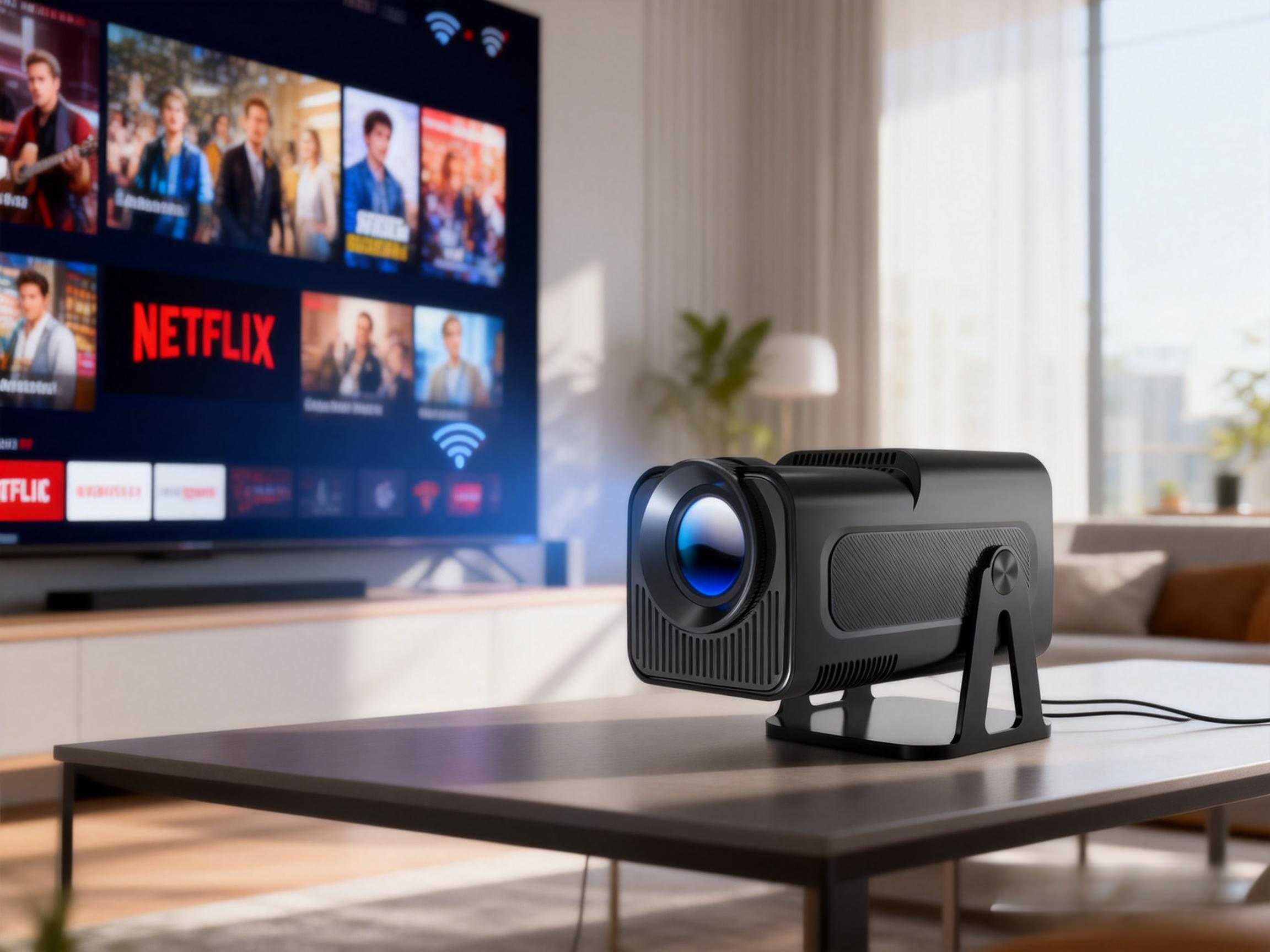
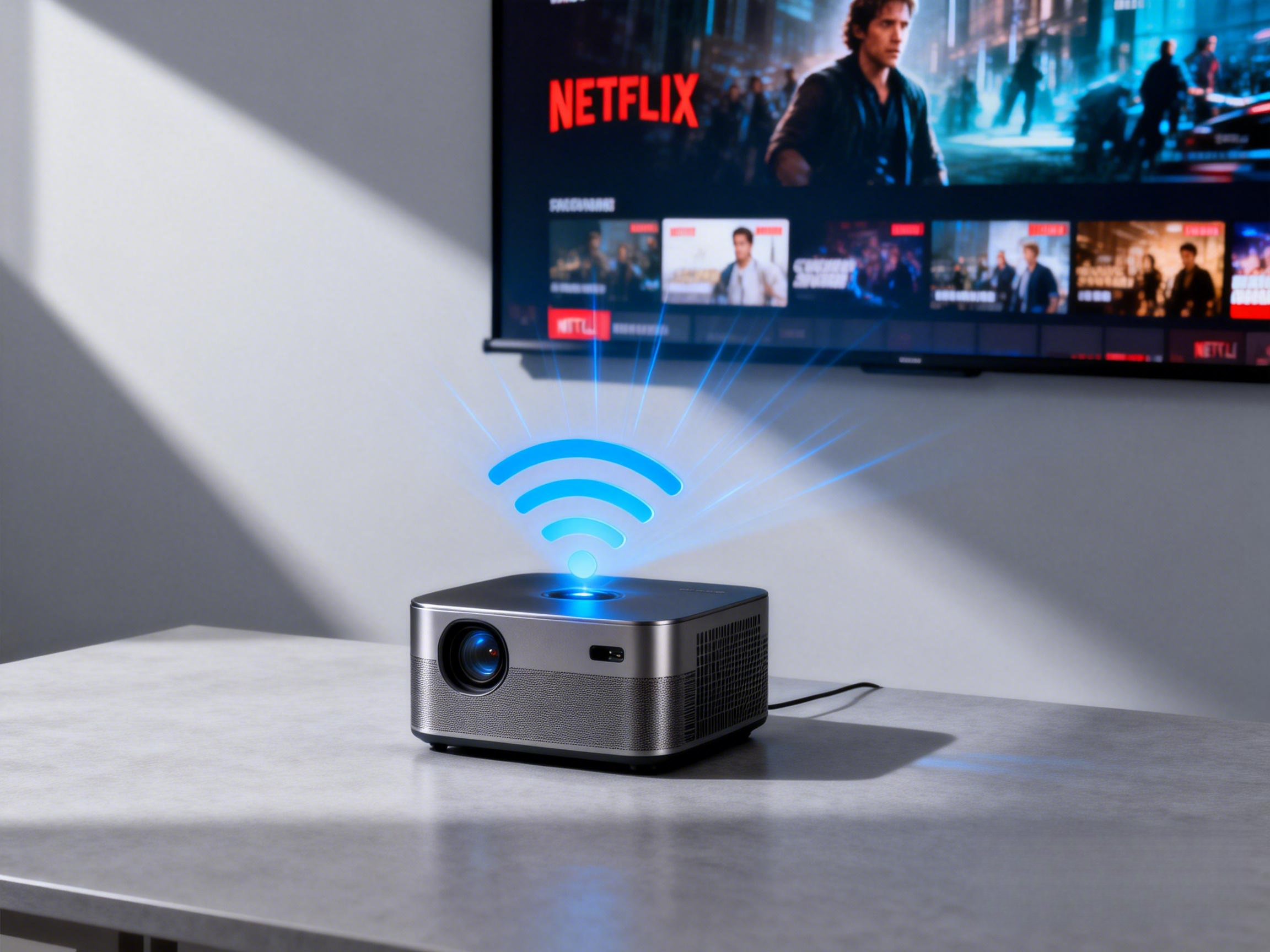
Modern projectors often support Android systems or WiFi/Bluetooth screen mirroring, allowing you to stream Netflix, Prime Video, YouTube, and more without extra cables.
💡Tip: For limited bedroom space, short-throw or portable projectors are usually better than traditional long-throw models.
2. Key Factors When Buying a Bedroom Projector
1. Throw Distance & Screen Size
Most bedrooms have a wall distance of 2–4 meters. A compact projector can easily create an 80–100 inch screen. Short- or medium-throw models work best for small rooms.
2. Brightness (ANSI Lumens)
Brightness directly affects image clarity and visibility.
· Dark rooms at night: 200–300 ANSI lumens is sufficient for comfortable viewing. Entry-level portable models like the Magcubic HY300 series work well.
· Rooms with some ambient light: Choose at least 600 ANSI lumens for better color and brightness.
· Bright environments or daytime use: 900–1100 ANSI lumens is ideal. For example, the Magcubic X7 (1000 ANSI) delivers clear images even with light interference.
Bottom line: Always match brightness to your room’s lighting conditions for the best experience.
3. Resolution
1080p Full HD is the minimum recommended resolution to ensure sharp subtitles and clear details. If your budget allows, 2K or 4K projectors provide even crisper visuals.
4. Audio Performance
Since bedrooms are small, built-in speakers are usually sufficient. However, for a more immersive experience, you can add a Bluetooth speaker or soundbar. Some projectors include built-in 5W HiFi speakers that handle everyday viewing well.
5. Smart Features & Connectivity
Smart projectors let you install streaming apps directly or cast wirelessly, reducing cable clutter. Many mid- to high-end models support Android systems and run Netflix, Prime Video, and YouTube natively.
3. Recommendations for Different Budgets
Entry Level (Budget & Portable)
Best for occasional viewing or small rooms.
· Lightweight and easy to move
· Simple setup and wireless casting
· Ideal for dark nighttime use
Mid Range (Balanced Performance)
Great for frequent movie watching or binge-watching shows.
· Higher brightness
· Stable image quality
· Smart features and auto focus for convenience
· Works well in both dark and slightly lit rooms
High End (Cinema-Level Experience)
Perfect for users who want premium visuals and sound.
· High brightness
· Native high resolution
· Built-in high-fidelity speakers
· Clear images even with ambient light during the day
4. Bedroom Projector Setup Tips
To get the best performance from your projector, follow these practical tips:
· Use blackout curtains to control ambient light
· Choose a white wall or projector screen for better image quality
· Adjust keystone correction and autofocus for a straight, sharp picture
· Add external speakers or a soundbar for stronger audio
· Place short-throw projectors on a desk or at the foot of the bed to save space
5. Final Thoughts
When choosing a bedroom projector, consider your budget, room size, and viewing habits:
· Entry models → easy and affordable for dark rooms
· Mid-range → balanced brightness and smart features
· High-end → bright, cinematic, and suitable for any lighting condition
💡 Pro Tip: The perfect bedroom cinema isn’t just about the projector — proper lighting control, sound setup, and smart placement make all the difference.
FAQs
Q1: What room size is suitable for a bedroom projector?
Bedroom projectors typically work best in rooms between 10–25 square meters. Smaller rooms benefit from short-throw or portable models, while larger bedrooms allow more flexibility with projection distance and screen size.
Q2: Are there any safety or cooling concerns when using a projector in the bedroom?
Yes. Make sure the projector has proper ventilation. Avoid placing it on beds, blankets, or inside enclosed cabinets, as this can cause overheating. Clean dust from vents regularly to maintain airflow and extend the device’s lifespan.
Q3: What devices and streaming platforms can a bedroom projector connect to?
Most modern projectors support HDMI, USB, WiFi, and Bluetooth connections. You can connect laptops, gaming consoles, smartphones, or tablets. Smart projectors also run streaming apps like Netflix, YouTube, and Disney+ for convenient wireless viewing.