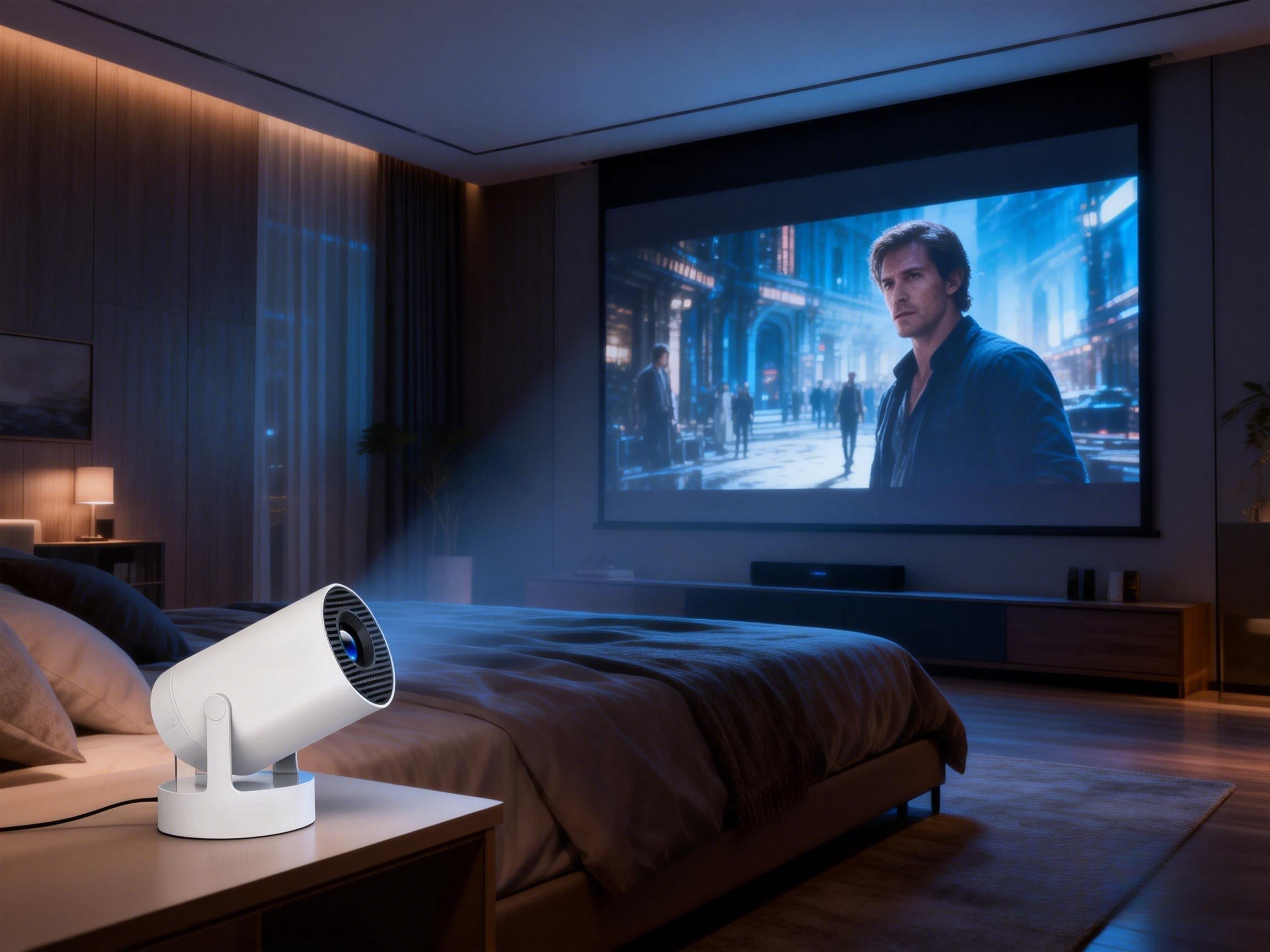

If you’re shopping for a projector — or already own one and want to upgrade your streaming experience — you’ve probably asked yourself the same question:Should you choose an Android projector with a built-in smart system, or use an HDMI streaming stick like Fire TV Stick, Roku, or Chromecast?
Both options let you watch Netflix, YouTube, Prime Video, Disney+, and other streaming services on a big screen.But when it comes to ease of use, performance, app compatibility, and overall value, the experience can feel very different.
To help you decide quickly, this guide compares everything side-by-side — so you can pick the setup that fits your space and budget best.In this article, we’ll cover:
1. What is an Android projector?
2. What is an HDMI streaming stick?
3. Pros and cons of each
4. Which is better for bedroom projectors
5. The best choice for different budgets
By the end, you’ll know exactly which option works for you.
What Is an Android Projector ?
An Android projector, also called a smart projector, has the Android operating system built directly inside.Think of it like a smart TV — but projected onto your wall or screen.You can:
· Connect to Wi-Fi
· Install apps
· Stream Netflix or YouTube directly
· Use it without any external devices
No extra boxes. No HDMI switching. Just power on and watch.
✅ Pros
· All-in-one design
· Instant streaming, no extra hardware
· Fewer cables, cleaner setup
· Beginner-friendly
· Great for bedrooms and small spaces
❌ Cons
· System updates depend on the manufacturer
· Some models may have limited app compatibility
· Lower-end hardware can feel slower over time
What Is an HDMI Streaming Stick?
An HDMI streaming stick is an external device that plugs into your projector’s HDMI port.Popular options include:
· Amazon Fire TV Stick
· Roku Stick
· Google Chromecast
Instead of the projector running apps, the stick handles everything:System,Apps,Video decoding,Streaming.The projector simply displays the image.
✅ Pros
· Mature, stable systems
· Excellent Netflix / Disney+ compatibility
· Frequent updates
· Usually smoother playback
· Very affordable
❌ Cons
· Requires extra hardware
· Adds cables
· Slightly more setup steps
Android Projector vs Streaming Stick: Side-by-Side Comparison
Most buyers don’t care about technical specs — they just want to know:Which one is easier?Which one is smoother?Which one is cheaper?
Here’s a quick comparison to help you decide in one minute.
Quick Comparison Table
|
Feature |
Android Projector |
HDMI Streaming Stick |
Best For |
|
Ease of use |
Power on → open app → play |
Switch HDMI → open stick → play |
Android = simpler |
|
Learning curve |
Very easy |
Slight setup required |
Families & seniors → Android |
|
Cable clutter |
Minimal |
Extra device + power cable |
Clean setups → Android |
|
App ecosystem |
Depends on brand optimization |
Officially supported by most platforms |
Heavy streamers → Stick |
|
Netflix compatibility |
Some models limited |
Almost 100% supported |
Stick wins |
|
Playback smoothness |
Moderate |
Typically smoother |
4K / high bitrate → Stick |
|
Image quality |
Depends on projector brightness & resolution |
Same |
Tie |
|
Cost |
Higher upfront |
Very affordable if you already own a projector |
Budget users → Stick |
|
Best scenarios |
Bedroom, dorm, portable use |
Living room, upgrading existing projector |
Depends on needs |

Which One Is Better for Bedroom Projectors?
For bedroom movie nights, convenience usually matters most.
✅ Choose an Android projector if you:
· Want plug-and-play simplicity
· Prefer fewer cables
· Are buying your first projector
· Use it casually for Netflix or YouTube
· Want a clean bedside setup
Many portable smart projectors now come with a built-in Android system and Netflix (such as the Magcubic 320NTV), support WiFi Direct and app installation, making them very convenient to use in a bedroom environment.
✅ Choose a streaming stick if you:
· Already own a projector
· Want maximum app compatibility
· Watch Netflix/Disney+ daily
· Prefer smoother performance
· Want the cheapest upgrade option
A Fire TV Stick or Chromecast can instantly upgrade almost any projector for a low cost.
Final Verdict: Which Should You Choose?
If you just want a quick answer:
👉Want simple, all-in-one convenience? → Choose an Android projector
👉Want stronger compatibility and smoother streaming? → Choose an HDMI streaming stick
There’s no “perfect” option — only what fits your habits and budget.
FAQ
Q1: Is picture quality better with a streaming stick?
No. Image quality depends on the projector’s brightness and resolution, not the playback method.
Q2: Can projectors run Netflix directly?
Some Android projectors can install Netflix directly.
Streaming sticks almost always support Netflix officially and more reliably.
Q3: Do I need a TV box if I buy an Android projector?
Usually no. Android projectors already function like a built-in TV box.
However, you can still add a streaming stick later if you want better compatibility.