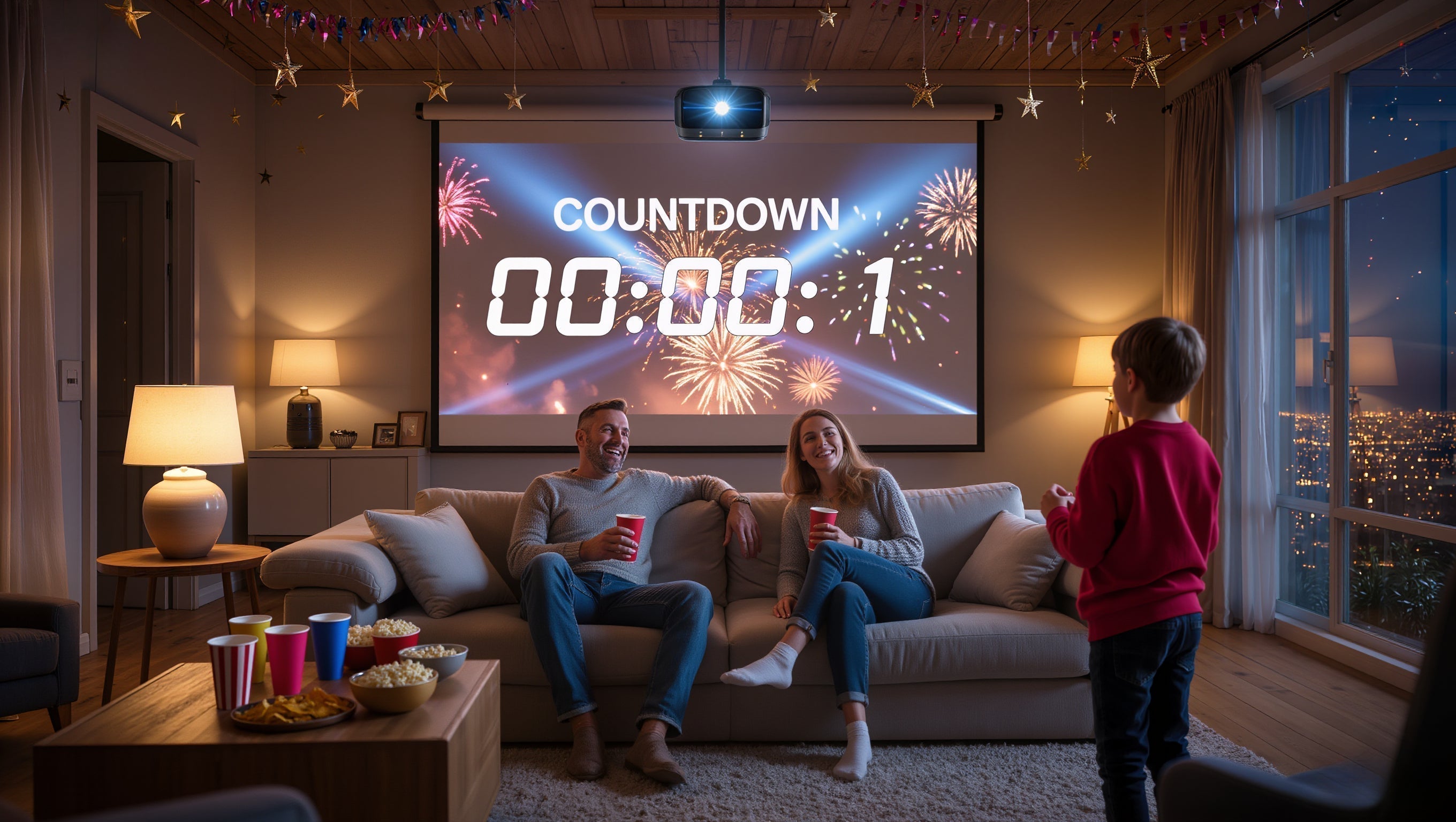

When using a projector, many users wonder: “My projector feels hot to the touch — is this normal?”
Some also worry whether long-term use might reduce its lifespan or cause image issues.
In fact, projector heat generation is normal in most cases. However, if ventilation is inadequate or the projector is placed incorrectly, normal heat can escalate into overheating problems, which in severe cases may lead to image discoloration, panel damage, or burn-in—issues that are often irreversible.
This guide explains projector heat from multiple perspectives, including operating principles, common mistakes, proper cooling methods, and correct placement recommendations.
1. Why Do Projectors Generate Heat?
A projector is essentially a high-power electronic device. During operation, heat is continuously generated by several key components, including:
· The light source (lamp / LED / laser)
· The main control chip and image processing unit
· The power supply module
· Cooling fans running for extended periods
Heat buildup is especially noticeable when the projector is used in:
· High-brightness mode
· Long continuous playback sessions
· Hot or poorly ventilated environments
In these situations, a warm or hot projector body is completely normal.
Heat Characteristics by Projector Type
· Lamp-based projectors: Generate the most heat and require robust cooling
· LED projectors: Lower overall power consumption but still need proper airflow
· Laser projectors: More advanced cooling designs, but temperature rise is still expected
As long as the projector operates stably, shows no warning messages, and does not shut down unexpectedly, there is usually no cause for concern.
2. When Is Projector Heat Considered Abnormal?
You should pay close attention if any of the following occur:
· Frequent automatic shutdowns after a short period of use
· Sudden increase in fan noise
· Certain areas of the projector becoming excessively hot
· Uneven brightness, yellowing, or color blotches on the image
· Noticeable burning or plastic odors
In most cases, these issues are not caused by product defects, but by poor ventilation or improper placement.
3. The Most Commonly Overlooked Ventilation Issue (Very Important)
Blocked exhaust vents are the most common—and most dangerous—mistake.
1. When placing the projector, do not position the exhaust vent too close to a wall or cabinet.
2. The rear of the projector typically contains the exhaust vent, which is responsible for releasing internal heat.
3. If this vent is blocked, heat cannot dissipate properly, significantly increasing the risk of image burn-in or panel damage.
This is a mistake many users overlook, yet the consequences can be severe.
Why Can a Blocked Exhaust Vent Cause Burn-In or Panel Damage?
1. Heat cannot escape efficiently
2. Internal temperatures continue to rise
3. The optical engine and display panels remain under prolonged high heat
4. Localized overheating accelerates component aging or damage
Once burn-in or panel damage occurs, it is usually irreversible, and repair costs can be high.
4. How to Properly Cool a Projector
1. Maintain Adequate Distance from Walls
This is the most critical requirement.
Recommendations:
· Leave at least 20–30 cm (8–12 inches) of space behind the exhaust vent
· Avoid placing the projector directly against walls, cabinet backs, or partitions
· Do not place objects near the exhaust vent
2. Avoid Enclosed or Semi-Enclosed Spaces
Many users place projectors inside cabinets or custom shelves for a cleaner look, but this significantly increases overheating risk.
Not recommended:
· Fully enclosed TV cabinets
· Shelves with solid back panels
· Mounts surrounded on all sides
· Direct sunlight
· High-temperature environments
· Exhaust vents facing corners or sealed spaces
Safer alternatives:
· Open tabletop placement
· Ventilated or hollow stands
· Well-ventilated ceiling installations
(Magcubic recommends ensuring at least 10 cm of clearance around ventilation areas and avoiding installations that push the projector too close to the ceiling.)
3. Keep Intake and Exhaust Vents Clean
Dust buildup can severely reduce cooling efficiency and is a common cause of increased fan noise.
Recommendations:
· Clean vents and filters regularly
· Use an air blower or soft brush
· Always power off and unplug the projector before cleaning
4. Use Brightness and Performance Modes Wisely
Running the projector at maximum brightness for extended periods significantly increases internal temperatures.
Recommendations:
· Use standard or eco mode in dark environments
· Enable high-brightness mode only when necessary
· Avoid prolonged full-load operation when possible
5. Do Not Disconnect Power Immediately After Shutdown
Some projectors continue running the cooling fan briefly after powering off to remove residual heat.
Recommendations:
· Wait until the fan stops completely before unplugging
· Avoid pulling the power cable immediately after shutdown
5. Risks of Long-Term Poor Ventilation
Ignoring ventilation issues over time can result in:
· Significantly reduced light source lifespan
· Faster brightness degradation
· Color abnormalities or localized yellowing
· Reduced system stability
· In severe cases, image burn-in or panel damage
These issues usually develop gradually rather than immediately, making them easy to overlook.
6. Summary
Projector heat is normal—but effective heat dissipation is what truly matters.To minimize overheating risks, remember these key points:
· Never block the exhaust vent
· Avoid enclosed spaces
· Maintain good airflow and cleanliness
· Use brightness modes appropriately
Proper ventilation and correct placement not only improve performance but also extend the overall lifespan of your projector.
Magcubic Dust Removal Video Guides
· HY320 Dust Cleaning Tutorial
· L018 Dust Cleaning Tutorial
· HY350 Max Dust Cleaning Tutorial