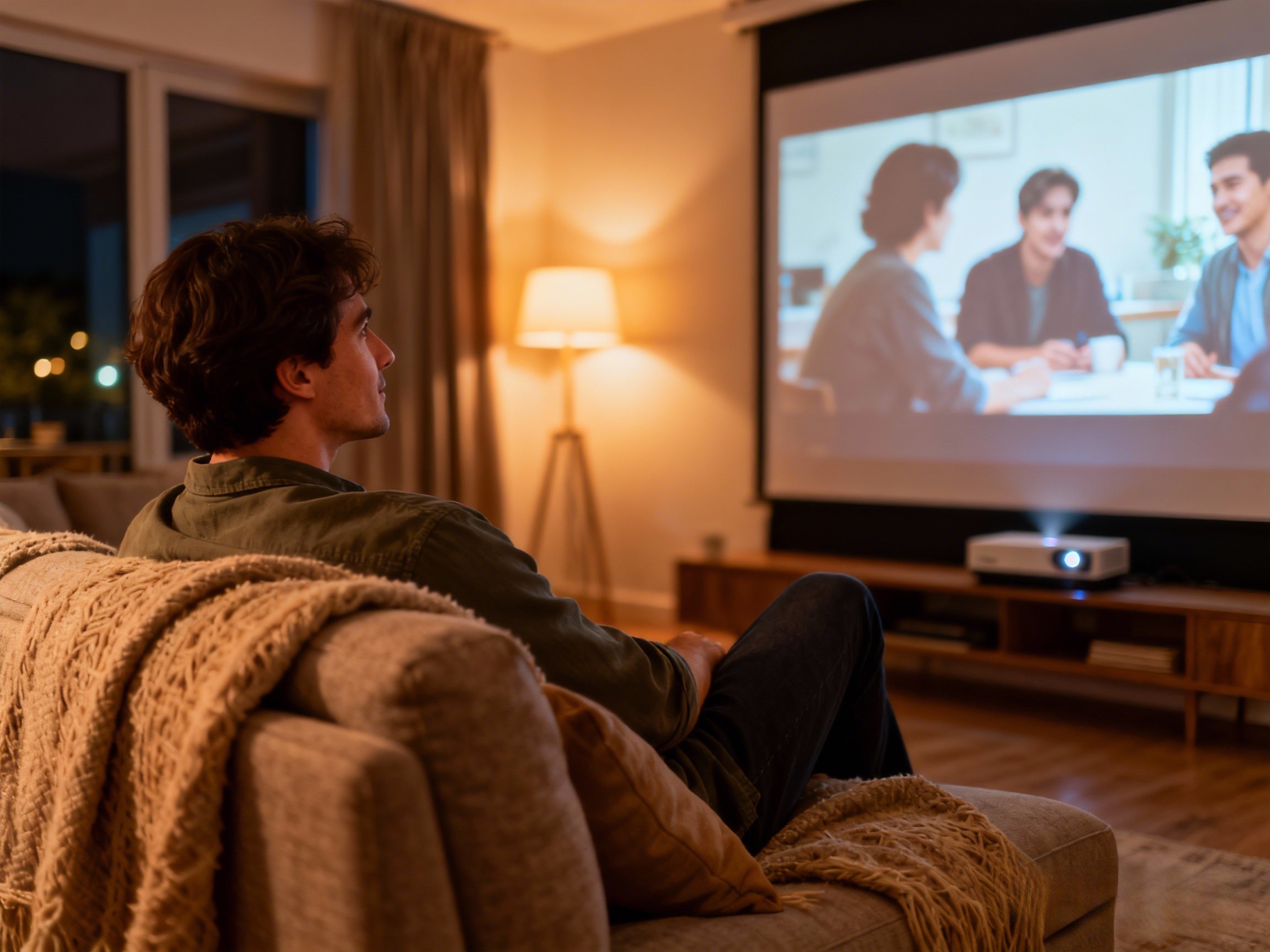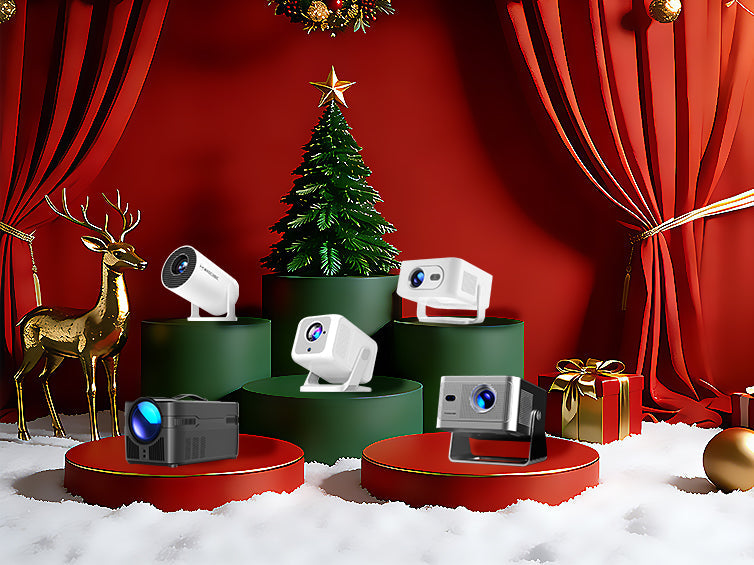

When choosing a projector or planning your viewing setup, one of the most common questions is:“How far should I sit to see the projected image clearly?”
In the AV industry, there is a classic, widely used rule that helps you determine the ideal viewing distance based on your screen size—the 4-6-8 Rule. Think of it as the “golden ratio” for projectors. It allows you to quickly answer questions like:What screen size fits your room?Is the distance between your sofa and wall suitable for an 80" or 100" image?Can people in the back row of a meeting room clearly see the presentation?
This guide breaks down the rule in simple terms—from screen height to content type—so you can scientifically choose the best viewing distance and screen size for home theaters, classrooms, meeting rooms, and even outdoor setups.
 What Is “Screen Height”? (The Key to the 4-6-8 Rule)
Most people describe a screen size in diagonal inches—“100 inches,” “120 inches,” etc.But in professional AV standards (such as AVIXA), screen height is the most important measurement when calculating clarity and readability.
Screen Height = the vertical height of the projected image
Why is height more important than diagonal size?
· Text clarity depends heavily on vertical pixel density
· Human eyes read characters in a vertical pattern
· Two screens with the same diagonal size can have very different heights depending on their aspect ratio (16:9 vs 4:3)
For example:
100" 16:9 screen height ≈ 124 cm
100" 4:3 screen height ≈ 152 cm
The difference is nearly 30 cm—which greatly affects readability.
This is why the 4-6-8 rule uses screen height as the foundation.
What Is the 4-6-8 Rule?
The rule categorizes content into three types and assigns a recommended maximum viewing distance:
|
Content Type |
Description |
Max Viewing Distance |
|
Analytical (×4) |
Spreadsheets, fine text, detailed data, web pages |
Screen height × 4 |
|
General Presentation (×6) |
PPT, web pages, video calls, classroom content |
Screen height × 6 |
|
Entertainment (×8) |
Movies, TV shows, animation, sports |
Screen height × 8 |
The more detail you need → the closer you should sit.
The more immersive the experience → the farther you can sit.
For example, watching《Home Alone》at Christmas?You can sit farther and still enjoy it.But reading data from a PPT? You shouldn’t be 10 meters away.
Example: How Far Should You Sit From a 100" Screen?
Let’s use the common 100" 16:9 screen height (~1.24 m):
· Analytical content: 1.24 × 4 = ≈ 4.96 m
· Presentations: 1.24 × 6 = ≈ 7.4 m
· Movies: 1.24 × 8 = ≈ 9.9 m
If your sofa-to-wall distance is only 3 meters,a 100" screen may feel too large,80–90 inches is more appropriate.
How to Choose the Right Screen Size Based on Your Room?
If you know your viewing distance:Screen Height = Viewing Distance ÷ 4/6/8,Then convert screen height into a common diagonal size.
Example:Viewing distance: 3 m→ Content type: Movies (×8)→ Screen height = 3 ÷ 8 = 0.375 m→ Equivalent to a 75"–80" 16:9 screen.This is often more realistic than the “100 inches or nothing” assumption.
Where Can You Use the 4-6-8 Rule?
· Home theater / living room: Use ×8 for an immersive, comfortable field of view
· Meeting rooms / training rooms: Use ×6 to ensure back-row clarity
· Classrooms: Use ×4 or ×6 due to heavy text content
· Outdoor projection: Usually ×8 since movies are the main focus; easy to enjoy 120"–150" outdoors

Additional Factors to Consider Beyond Viewing Distance
Viewing distance is important, but not the full story. You should also think about:
· Brightness: Larger screens require higher ANSI lumens
· Throw ratio: Not all projectors can produce a large image in short distances
· Ambient light: Daytime viewing demands higher brightness
· Streaming certifications (e.g., Netflix Certified): Ensures smoother playback and better app compatibility
· Auto-focus and keystone corrections: Reduce setup time and improve user experience
Conclusion: Make Your Projection Setup Scientific, Not Guesswork
Projectors seem simple—but choosing the right screen size and viewing distance is crucial.The 4-6-8 Rule is powerful because it’s:Easy to calculate;Accurate for all types of content;Suitable for any screen size;Based on professional AV standards.Just remember: Screen Height × 4/6/8, and you can instantly find the most comfortable and clearest viewing distance for your space.
Recommended Projector: Magcubic HY300 Pro
--Designed for Small Rooms, Perfect for Big Screens
If you're planning to set up an ideal viewing distance + comfortable screen size—whether in a bedroom, living room, or rental apartment—Magcubic HY300 Pro is an excellent option.
Why this model stands out?
Its 0.8:1 short throw ratio allows you to project 80–100 inches from just 2 meters,much easier than many standard projectors (typically 1.2–1.5:1).
Perfect for small or narrow rooms where space is limited.
FAQs
1. Does projector brightness affect viewing distance?
Yes.A larger image spreads light over a bigger area.If brightness is too low, the picture may look washed-out or lose detail.Recommended brightness:
Daytime (with ambient light): 800–1500 ANSI lumens
Nighttime home theater: 300–800 ANSI lumens
Brightness does not directly change viewing distance,but it affects how large you can safely scale the image.
2. Does the 4-6-8 Rule apply to UST (Ultra-Short Throw) projectors?
Absolutely.Viewing distance has nothing to do with throw type.
Short throw, long throw, and UST projectors all follow the same principle—
the only thing that matters is screen height.